Black Screen, Steady Voice: A Speaker’s Contingency for AV Failure
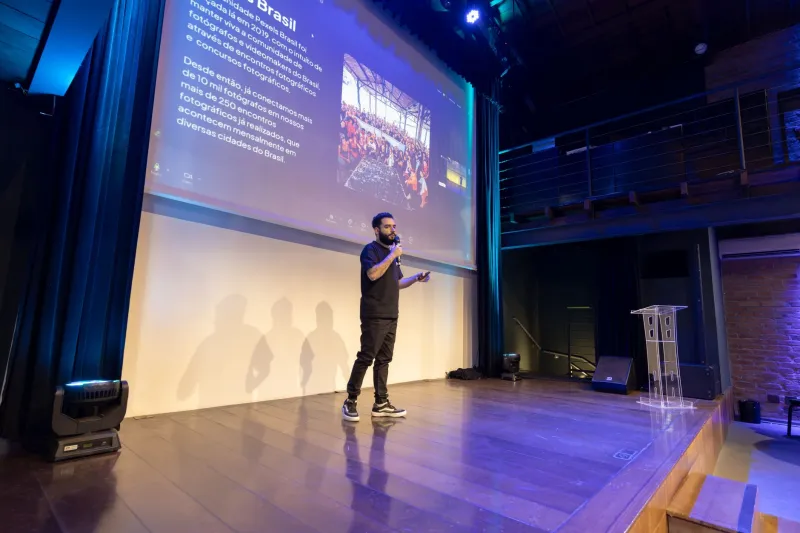
In a well-run UK conference, the projector is meant to be invisible. The speaker speaks; the screen supports. When the image disappears, however, the room’s attention does not vanish with it. It transfers to the person at the front. What happens next is less a test of engineering than a test of stagecraft. The speaker who has rehearsed the dark screen can keep the argument intact; the speaker who has not may allow a temporary fault to become the defining memory of the session.
This is not an argument against visual aids. Slides, film and data displays remain valuable tools for UK organisations, whether the setting is a hotel suite in Manchester, a university lecture theatre in Leeds or a village hall with a hired projector. The point is that the screen should be a convenience, not the spine of the talk. A contingency protocol begins long before the first cable is checked.
Treat the screen as a support, not a script
A speaker should know which parts of the talk can survive without visuals. Identify the passages that carry the argument in words: the opening, three principal claims, one worked example and the closing. Prepare a one-page route map with timings and transitions, and keep a printed copy with the speaker notes. This is not a sign of distrust towards the venue’s equipment. It is a recognition that the presenter, not the projector, is responsible for the through-line.
Mark the places where a visual is genuinely essential. For each, decide in advance how the point would be described aloud. A chart can be reduced to its headline figure and source; a photograph can be summarised in two sentences; a diagram can be walked through as a sequence of steps. Save the deck as a PDF as well as an editable file, carry the adapters the venue is likely to need, and keep spare batteries for the clicker. These are sensible precautions, but they should not turn the speaker into an unpaid technician. The aim is to remain the presenter while others repair the system.
Agree the handover before the room fills
At the sound check, ask the AV team a short set of practical questions. What happens if projection fails? Who will respond? Is there a backup input or a second laptop? How long is a typical recovery? Agree a discreet signal that means the speaker is handing the technical problem over: a raised hand, a clicker placed on the lectern, or a brief pause while the host steps forward. In UK venues with locked lectern computers and roaming technicians, this clarity saves valuable minutes later.
If a host or chair is present, brief them on the same plan. They can manage the room, speak to the AV desk and decide whether an announcement is needed. The speaker should not be negotiating with a technician while the audience waits in silence. A division of labour is kinder to everyone.
The first thirty seconds after the screen goes dark
When the image fails, resist the instinct to click, tap or narrate a technical diagnosis. Pause. Look at the audience. Then use a short, calm script that acknowledges the situation, states the plan and continues the talk. For example: ‘The screen has paused for a moment. While the technical team restores it, I will continue with the argument, and we will return to the visuals when they are ready.’
A useful pause has three parts: acknowledgement, plan and continuation. Avoid blame, and avoid jokes at the AV team’s expense. The audience takes its cue from the speaker. If the microphone still works, keep the voice at the same pace and volume as before. If the audio has also failed, move closer to the audience and project without shouting. Short sentences help. Repeated apologies do not.
A second script can be used when the failure occurs at a critical moment: ‘We have lost the image, not the thread. Let me put the point in words, and the team will bring the slides back when they can.’ This preserves authority without pretending that nothing has happened.
Continue without slides
If the screen remains dark, describe what the audience would have seen. State the headline number, the source and the implication. Do not attempt to recreate every bullet point. Use a case study, a quotation read from notes or a short sequence of spoken examples. If a flipchart is already in the room, it may help; if not, do not demand one. A speaker who starts rearranging furniture adds to the disruption.
Keep an eye on time. A long technical pause can tempt a speaker to rush the remaining material. It is usually better to shorten later sections than to gallop through them. Protect the closing two minutes and the question slot if one is planned. If a video has failed, summarise its argument in three sentences and offer to share the link afterwards. The audience wants the substance, not a reconstruction of the production.
Rehearse the dark run
Before the event, run a ‘dark run’. Switch off the screen, put the clicker in a pocket and deliver the opening five minutes, one middle section and the closing. Time it. Notice where the hand reaches for a slide that is no longer there. Prepare verbal bridges for those moments. The exercise is not about memorising a second speech; it is about proving that the talk has a life beyond the projection.
A one-page contingency card can be kept with the speaker notes. It should list the AV contact, the agreed signal, the three key figures that must be delivered accurately and the final sentence of the talk. The card is a safety net, not a script. Its purpose is to reduce the mental load at the moment when the room is watching.
When the picture returns
Recovery should be as calm as the pause. Acknowledge the return briefly: ‘The screen is back. The slide now shows the comparison I mentioned.’ Reorient the audience before moving on. Do not replay every lost slide unless the argument genuinely requires it. Adjust the pace, thank the AV team at the close if appropriate, and note afterwards what worked. Organisers can use that knowledge in future briefings.
Technology failure is not a measure of a speaker’s competence, but the response to it can be. The speaker who has planned for a dark screen keeps the room’s attention on the argument. The screen may go black; the voice does not have to follow.